PostNL in ChatGPT and Claude: parcels that weren't delivered
Undelivered PostNL parcels, the scan that explains each one and a new label for the ones that come back, all handled from ChatGPT or Claude.
Contents
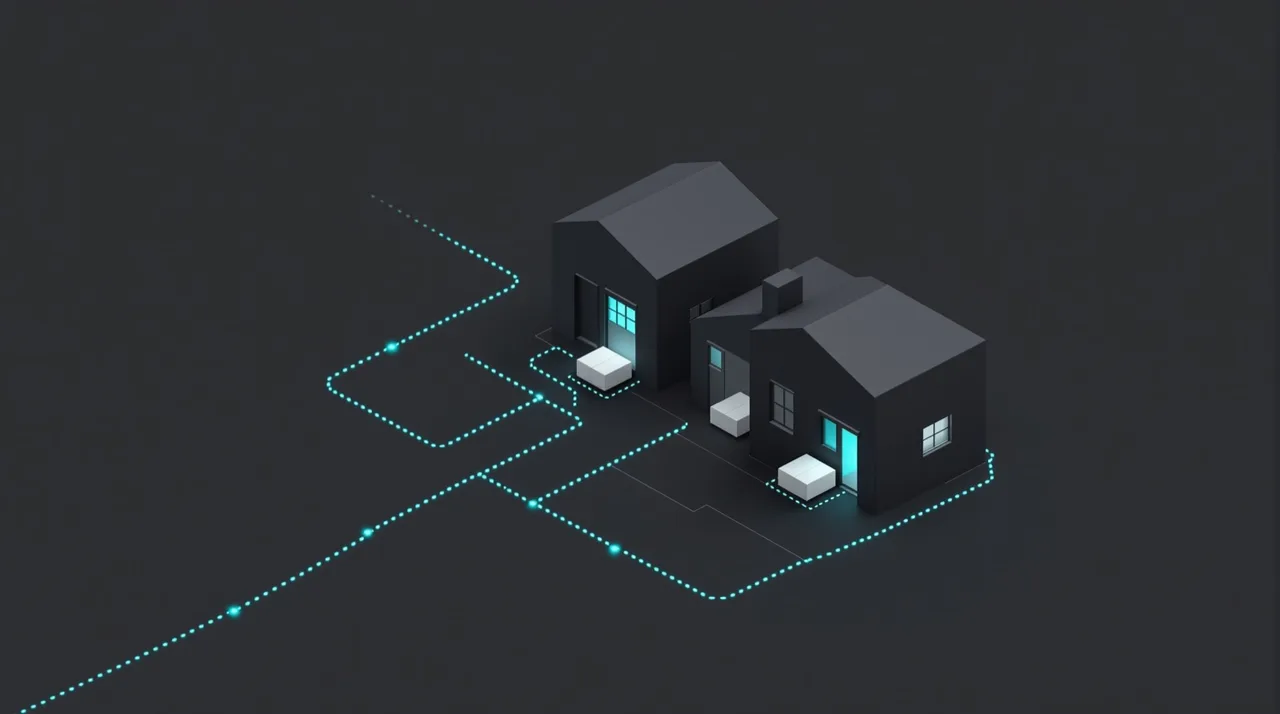
In this example, seven parcels failed in two days: three with nobody home, two with a bad address, one refused at the door and one PostNL is still sorting out. PostNL's scan history records the reason for each, and through APIUniCon ChatGPT or Claude reads it for you. For a parcel that comes back, the AI drafts a new label and makes it once you approve.
How to connect PostNL to ChatGPT or Claude
A customer writes that her plants never arrived, and the barcode’s latest scan gives the reason: shipment not delivered, incorrect address. One parcel is easy to look up. The trouble is the other six from the same two days that nobody has asked about yet. PostNL wasn’t among the official connectors in the ChatGPT or Claude directories as of 23 October 2026, so APIUniCon does the connecting.
- Create a key in Mijn PostNL Zakelijk, PostNL’s business portal. PostNL’s guide to getting a key goes like this: open My Account > API Management, make sure the right customer number is selected in the top right corner, click ‘Create an integration’ and follow the steps. Every integration gets a sandbox key and a production key; the AI needs the production one. If the key doesn’t appear, PostNL suggests waiting 15 minutes and refreshing the page.
- Note your customer number and customer code as well. PostNL’s API reference says both are among your API account details in Mijn PostNL Zakelijk. PostNL shows a parcel’s status only to the company whose number and code match it.
- Ask ChatGPT or Claude to connect PostNL, and paste the link to PostNL’s Shipping status overview with your request. APIUniCon has to be added to the chat first, as described in the setup guide.
- Paste the key, the customer number and the customer code on our page when the AI sends the link. The chat never sees them; we keep all three encrypted.
What to ask about tracking and exceptions
A few questions that cover a normal week:
- Which parcels changed status in the last 48 hours, and how many were delivered?
- Which parcels weren’t delivered, and what reason did PostNL give for each?
- Which parcels is PostNL returning to us?
- Where is order 10482, and when will it arrive?
- Which parcels have been waiting at a PostNL point since Wednesday?
- If we ship a replacement today before 17:00, when will it reach postcode 3512 JK?
- Which PostNL points or parcel lockers are nearest to this customer’s address?
- These 20 orders went out on Monday. Which still have no delivery scan?
Cases after two busy days
Take a webshop that sells houseplants across the Netherlands. We made it up, along with the parcels, orders and times below.
What changed since Wednesday
“What changed in our parcels over the last 48 hours?” PostNL hands out status changes per customer number, two hours at a time and no further back than 48 hours. So the AI asks 24 times and keeps the latest status for each barcode.
Since Wednesday morning 186 parcels changed status. 141 were delivered. 22 are at a PostNL point, waiting to be collected; 9 of them arrived there on Wednesday. 16 are sorted or out for delivery today. 7 were not delivered.
Seven that didn’t arrive
“Why weren’t those 7 delivered, and which ones come back to us?” For each barcode the AI asks for the full history, where PostNL attaches an event code and a description to every scan.
3 say “We missed you; we’ll try again”: a new attempt follows, so there’s nothing to do yet. 2 say “Incorrect address; return shipment to sender”: orders 10477 and 10491, addressed to Kerkstraat 14 in Haarlem and Bloemstraat 3 in Leiden. 1 was refused at the door and is being returned. The last one, order 10466, says “Address incorrect, PostNL will contact sender”, so expect PostNL to get in touch about it.
“Where’s my order?”
The customer from the first paragraph isn’t the only one writing in. Another asks about order 10482. PostNL can find a parcel by the reference you gave it when the label was made, and in this shop that reference is the order number.
Order 10482 is out for delivery today. PostNL expects it between 14:35 and 16:05. Yesterday’s attempt ended with “Delivery postponed until the following working day”, so this is the second try.
What the AI can do in PostNL
PostNL’s API can also create shipments, and that’s the action the AI takes here. Before a label exists you get a draft of it to check: address, product, options. Approve the draft and PostNL makes the label and pre-announces it at once. Only the shipping products in your PostNL contract can be used.
- “Make a new label for order 10477 to Kerkstraat 14A, Haarlem.” The AI points out that the letter after the house number is the only change from the first label.
- “Send the replacement for order 10491 to the PostNL point nearest the customer.” The AI looks up the closest points, or only parcel lockers if you ask, and lets you pick one. PostNL needs the full address of both the customer and the point.
- “Send the new label for order 10477 as ‘deliver to stated address only’.” That product keeps the parcel from being left with a neighbour.
- “Add extra cover of €250 to the replacement.” PostNL insures in tiers, up to €5,000.
Questions and answers
Which key do I need, sandbox or production?
Production. PostNL creates both for every integration, but the sandbox key only reaches PostNL's test environment, which is meant for building and trying out integrations.
How far back can the AI look?
The list of recent changes covers the last 48 hours. Older parcels are looked up one by one, by barcode or by your reference; a search by reference goes back 90 days by default.
Will checking hundreds of barcodes get us blocked?
No. Production keys are limited to 1,000 calls a minute. PostNL also asks integrations to check a status only when someone needs it, not every minute for every parcel, so the AI looks things up when you ask rather than polling in the background.
A parcel has said “Shipment pre-alerted” for three days. What does that mean?
The label exists and PostNL knows the parcel is coming, but the parcel hasn't reached PostNL yet. If the label sits unused for too long, PostNL adds a separate event saying its period of validity has expired.
Can the AI send a parcel that's already on its way to another address?
No. PostNL's API reference has no call for changing a shipment in transit. If a parcel comes back, the AI can make a new label for it.
What to read next
Packeta in ChatGPT or Claude: parcels still waiting at pickup points
Which Packeta parcels sit at pickup points, until when, and which are on their way back: ask ChatGPT or Claude, and extend storage from the same chat.

ChatGPT custom connectors (MCP): how to add one, and the same in Claude
What a ChatGPT custom connector is, which plans can add one and with what access, the steps in ChatGPT and in Claude, and how to keep keys out of the chat.
WooCommerce in ChatGPT and Claude: orders, stock and sales from your store
A WooCommerce integration for ChatGPT and Claude: connect with a REST API key, ask about stuck orders, low stock and last month's sales, approve every change first.